Connect your server.
Use Plex, Emby or Jellyfin, with a library your device can reach.
 Coming soon
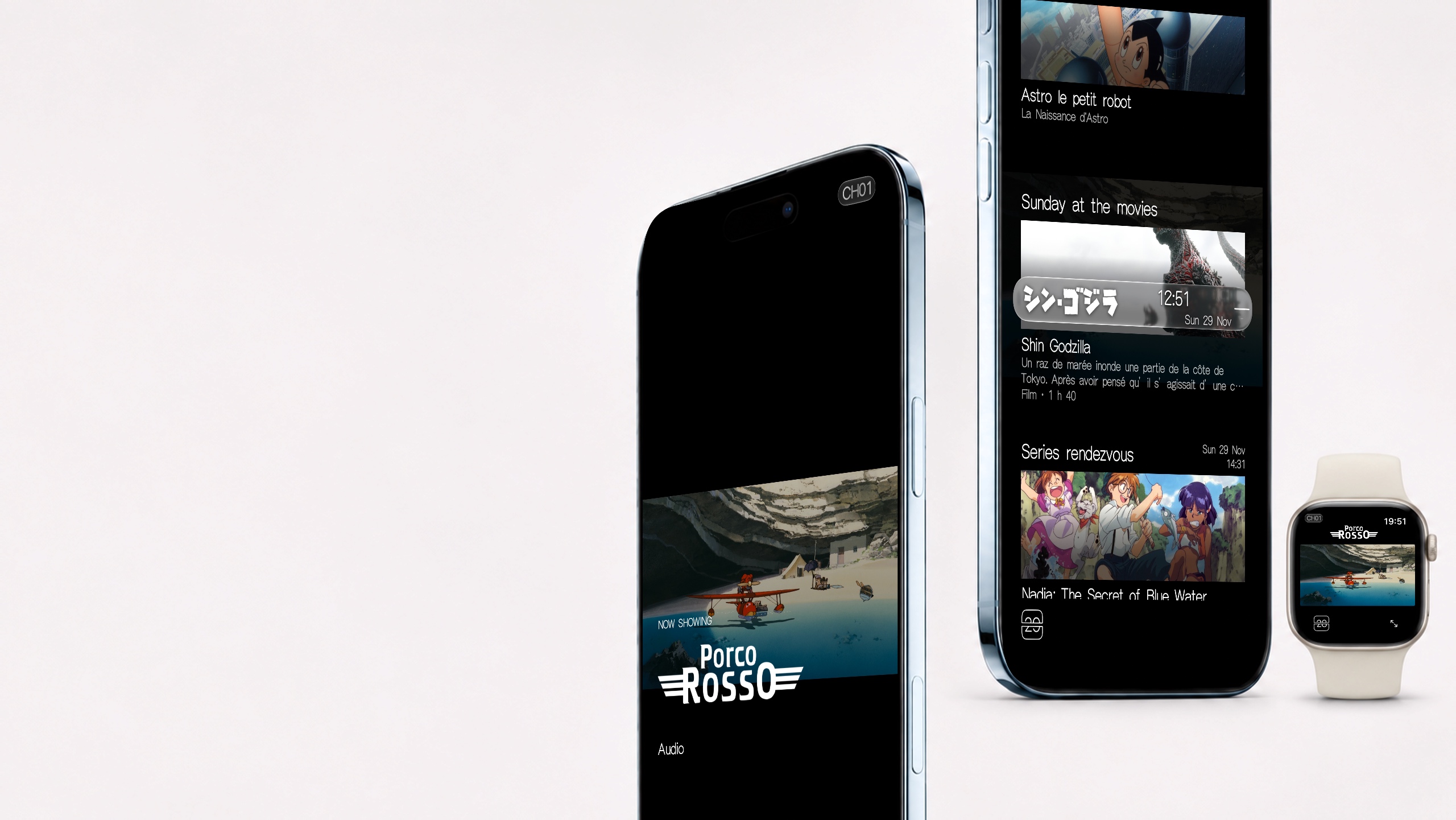
YOUR COLLECTION. ON AIR.
The joy of tuning in.
Made from what you love.
Turn your Plex, Emby or Jellyfin library into a personal TV programme. Open CH01 and join what’s playing.
Explore CH01iPhone · iPad · Apple TV · iPhone Duo
With an Apple Watch companion.
A FAMILIAR FEELING. ALL YOURS.
A familiar voice. The next episode.
A film you hadn’t planned to stay up for.
CH01 gives your films and series the rhythm of television. A programme that follows its own clock, ready whenever you tune in. Your collection becomes a little company.
Plex, Emby & Jellyfin
Schedule saved in iCloud
No CH01 account to create
THE WEEK, ALREADY LINED UP.
Open the calendar and glide through the next seven days with the programme dial. The broadcast keeps playing while you explore.
Daily episodes. A film for tonight. An old favourite finding its way back into your week.
Find your next occasionOLD FAVOURITES. NEW OCCASIONS.
The pleasure of finding
what you love. Again.
Highlights brings the week’s film nights and returning series into view. Open a title for its story, artwork and episode details, then set a reminder for a future broadcast.
Your programme comes from your own library. No films, series or TV channels are supplied with CH01.
YOUR CHANNEL. YOUR SCREENS.
In your hand, on the sofa, or across the room.
The same programme, with room to enjoy it.
Join the broadcast, browse the programme and find your next favourite evening.
AND AN APPLE WATCH COMPANION.
Yes, the picture.
And the sound.
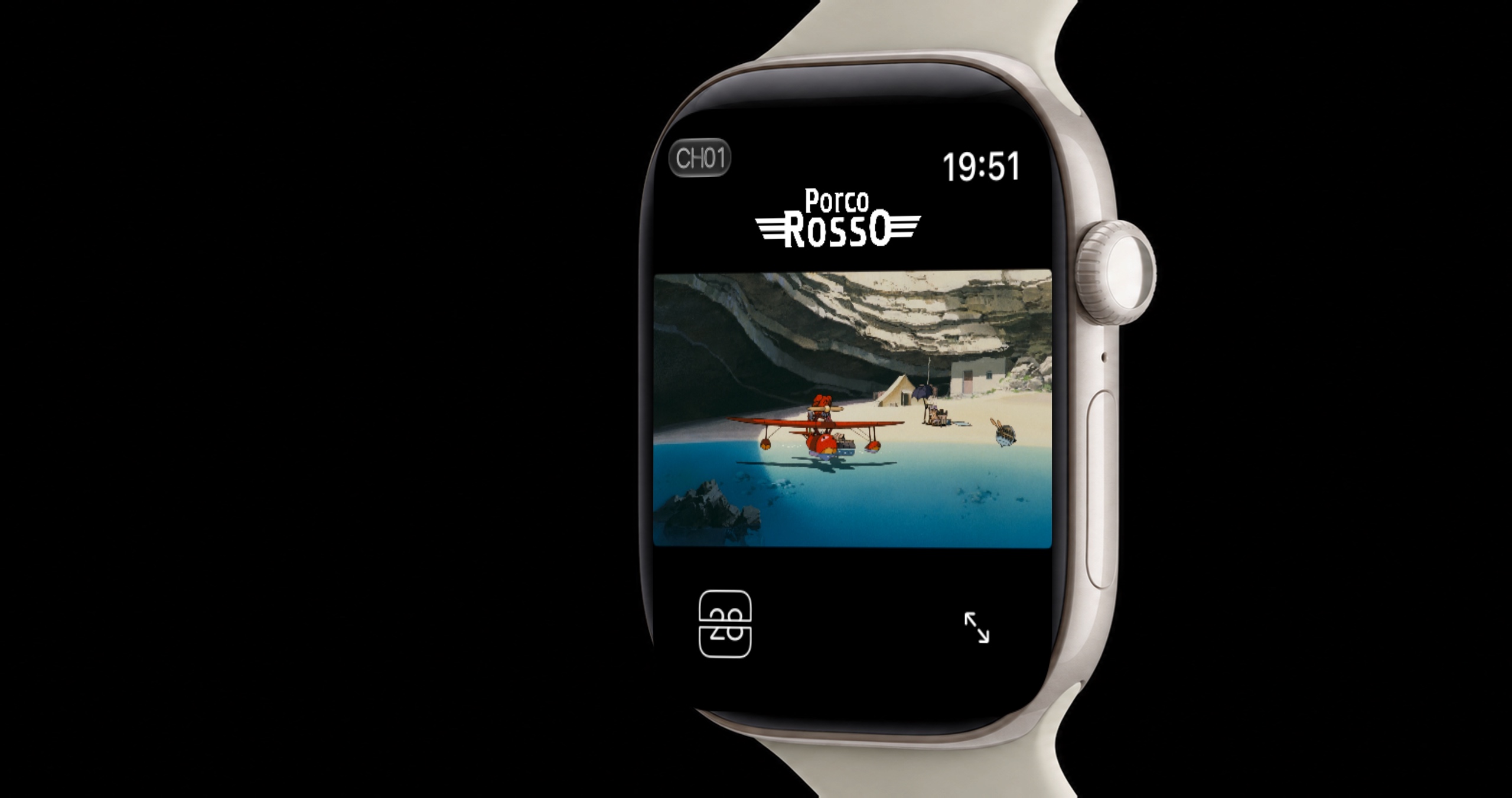
Watch your channel directly on Apple Watch. The broadcast, the programme and your next rendezvous are right there with you.
Turn the Digital Crown to explore the week. Set a reminder. Choose from the audio tracks and subtitles available for what’s playing.
The week, within reach.
A reminder for what you love.
Your channel goes with you.
After setup, your watch can stream directly from your server. The server must be reachable over the watch’s network connection.
A LITTLE COMPANY.
YOUR PROGRAMME GOES WITH YOU.
Your programme is saved in your private iCloud space and found on your devices using the same Apple Account. Your films and series stay on your server.
No CH01 account to create.
An Apple Account signed in to iCloud and access to your media server are required.
START WITH WHAT’S YOURS.
Use Plex, Emby or Jellyfin, with a library your device can reach.
Select your libraries. CH01 creates a programme from your films and series.
Open the app and join what’s on. Come back later and the schedule has moved on.
BEFORE YOU TUNE IN.
No. CH01 creates a personal channel from your own Plex, Emby or Jellyfin library. No films, series, broadcast channels or TV subscriptions are included.
Your channel follows a schedule. Open CH01 and join the programme at its current point, like tuning in to television. The schedule keeps moving when you leave. Browsing the guide does not change the broadcast or restart it on demand.
There is no CH01 account to create. You need an Apple Account signed in to iCloud to save your programme, plus access to your own Plex, Emby or Jellyfin server.
Your programme is saved in your private iCloud space and can be found on your devices using the same Apple Account. Each playback device also needs access to your media server. Apple Watch requires its channel and server access to be configured.
Yes. The CH01 companion plays your personal channel with video and sound. You can browse the programme with the Digital Crown, set reminders, and choose available audio tracks and subtitles. After setup, the watch streams directly from your server over a network connection that can reach it.
CH01 checks the libraries you selected during its library refresh. New films and episodes can find a place in future programmes. If you add a new library on the server, select it in Your channel.
When CH01 launches, you can discover it for 48 hours from the first opening, without an automatic payment. To continue, choose monthly access or a one-time lifetime purchase. Prices and purchase terms will be shown in the app before you buy. A monthly subscription renews automatically until cancelled in your Apple Account settings.
CH01 is coming soon to the App Store for iPhone, iPad, Apple TV and iPhone Duo, with an Apple Watch companion. The download link will be available here at launch.
YOUR COLLECTION. ON AIR.
Open the app. Settle in. Just watch.
iPhone · iPad · Apple TV · iPhone Duo
With an Apple Watch companion.